Product
See it work
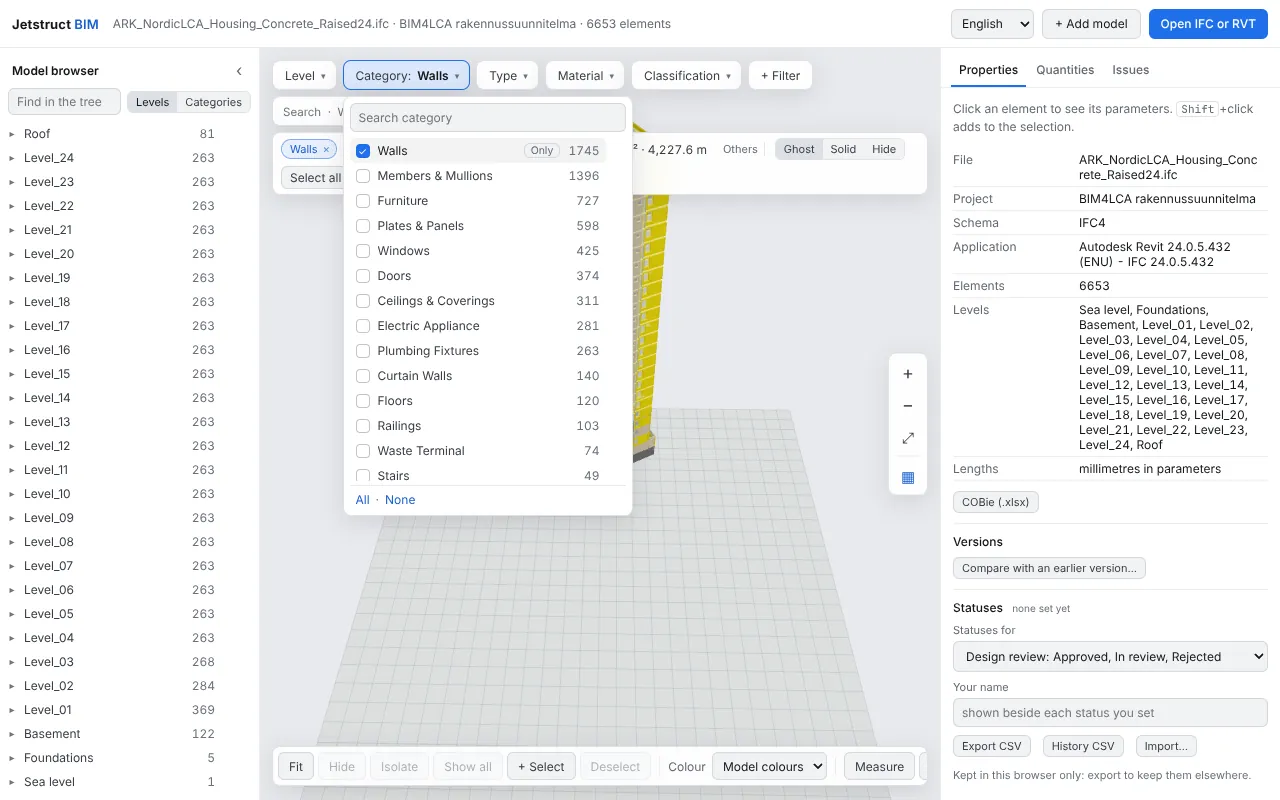
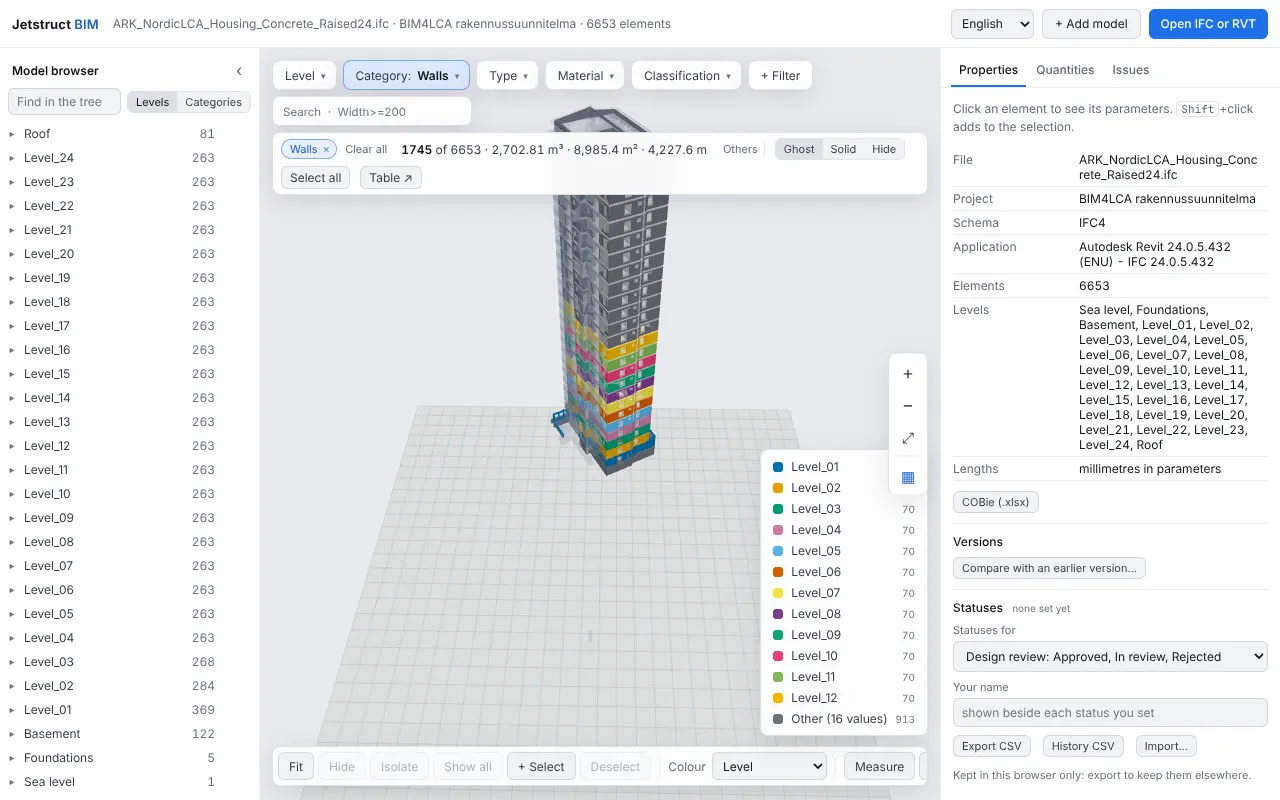
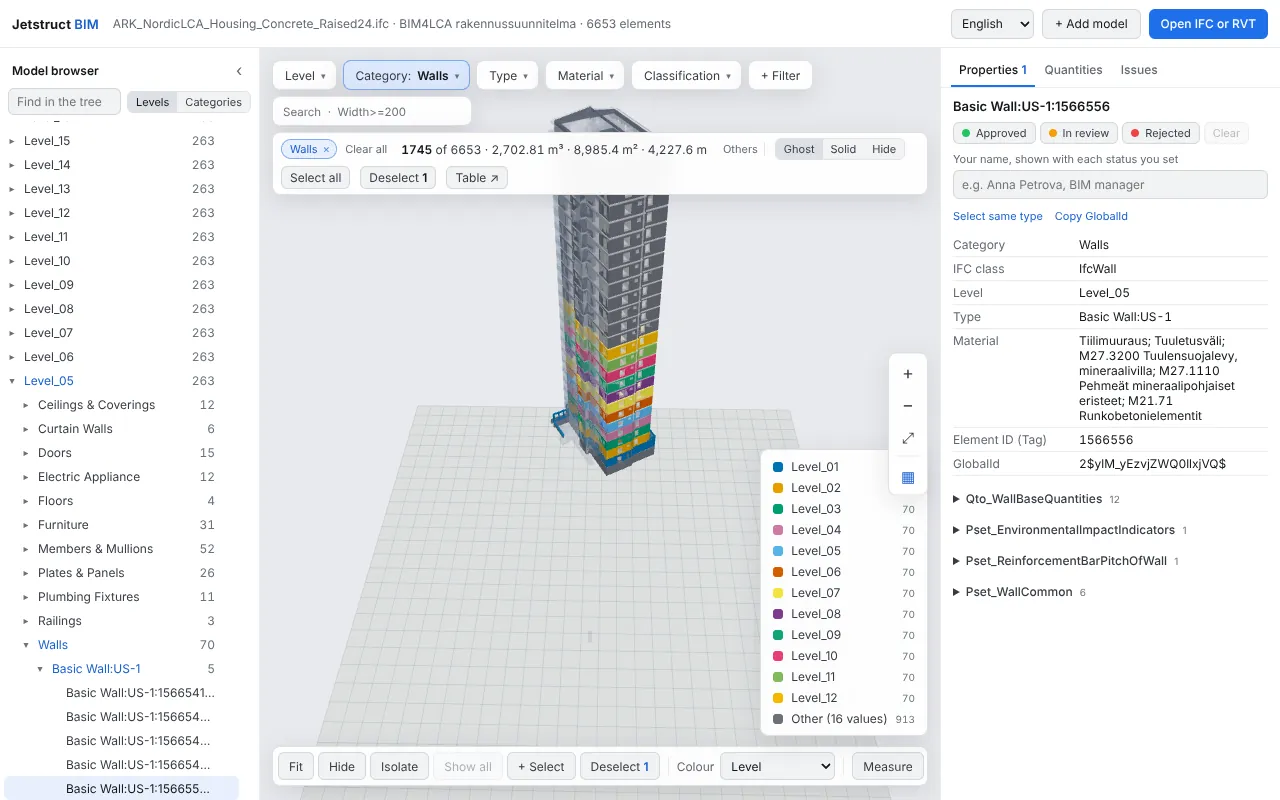
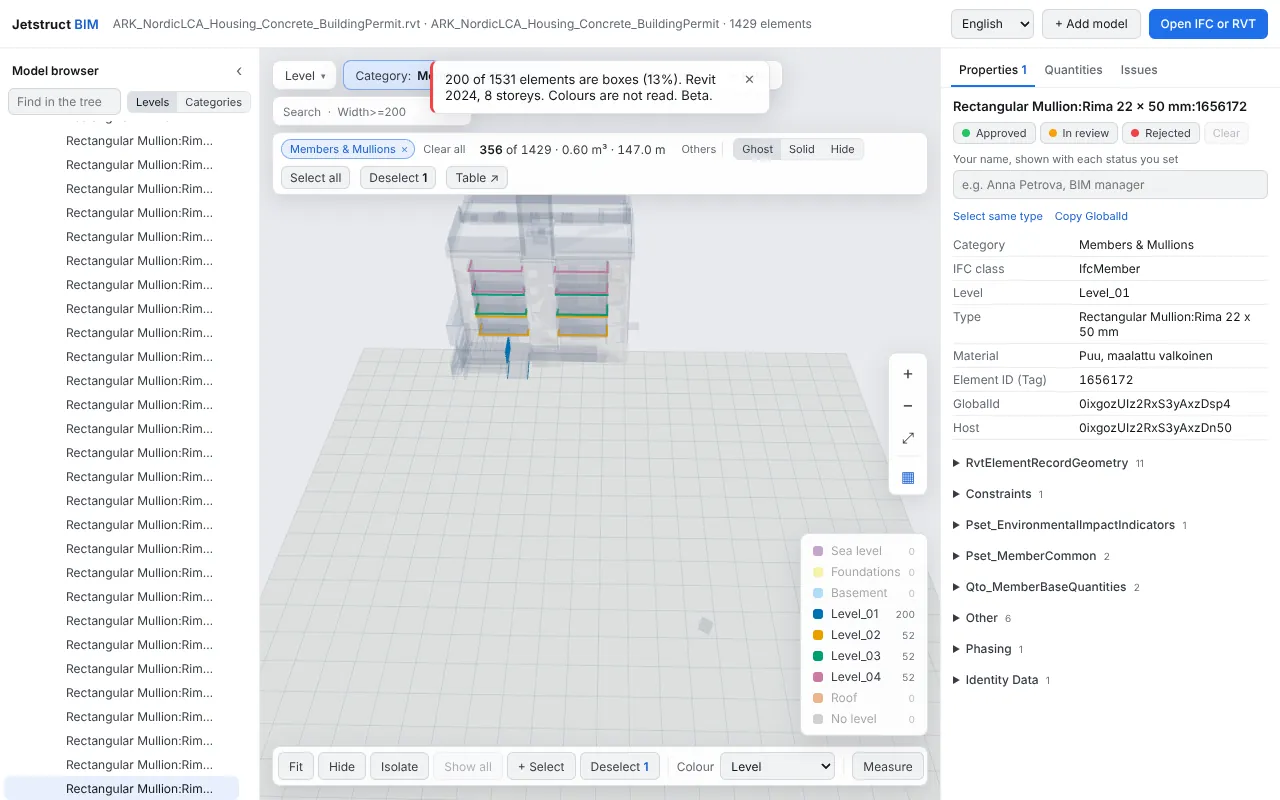
The screenshots and videos show the BIM4LCA example models by VTT Technical Research Centre of Finland and partners (CC BY-SA 4.0) and are shared under the same licence. The 24-storey tower is a synthetic test model.
Local, with no Autodesk
Everything runs in the browser tab. IFC is read by an open-source engine; Revit .rvt files are read by an open-source reader and converted to IFC4 on your machine. Converted models are cached, so the second opening is fast. Nothing needs a Revit seat, an Autodesk account or a cloud conversion.
Built for large projects
The viewer is tested on models of 24 storeys and on files of hundreds of megabytes, because the customers it is made for build tall residential complexes and industrial sites. Several sample models open in one click so you can see the scale before you try your own.
Filter and select
Search and facets by level, category, type, material or any property. Colour by a property, hide and isolate, section the model, and keep the selection while you work.
Check and compare
- Measure distances and read quantities.
- Validate against IDS rules.
- Compare two versions of a model.
- Find clashes between models, for example architecture against HVAC.
Embed
The viewer can be driven from a host page through a small front-end API. A server API is not planned yet.
Formats
IFC (STEP) and Revit 2024 .rvt. Revit support is in beta and depends on the file; tell us about files that do not open.